Vertical: General Practice, Dental, Allied, Specialist
PMS Eligible: N/A
If a patient has booked in multiple times at your practice but never attended their appointments or perhaps behaved inappropriately towards staff, Healthengine gives you the ability to blacklist patients from booking online!
You can block a patient from booking online by blocking their mobile phone number in your Practice Admin.
To do this, navigate to your Practice Admin, then click on "Patients" and then "Blocked phone Numbers".
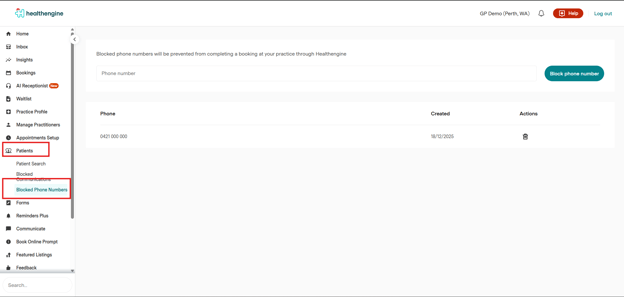
To block a patient's mobile phone number, simply enter the number into the provided box as seen below and click 'Block phone number'.
Please note: Only mobile phone numbers can be blocked.


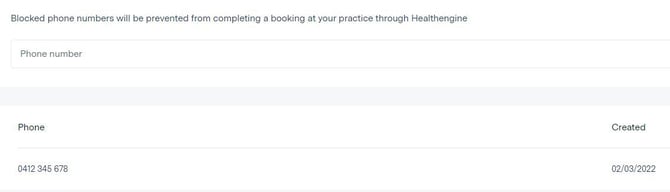
Once added, the phone number will appear in the list below. If the patient with this phone number attempts to book an appointment online with your practice, they will be informed that they must call your practice to book their appointment, at which point, you can discuss your concerns over the phone.
How to Remove a Blocked Number
IMPORTANT: To search for a number that was previously inserted, use the combination CTRL+F and insert the number you are looking for in this format, including the spaces:04xx xxx xxx
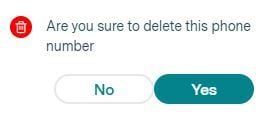
To remove a mobile number from your blocked list, simply click on the bin icon on the right-hand side of the patient's number, and you'll be asked if you are sure you'd like to delete this. If you select 'Yes', the number will be removed from the list, and if you select 'No', it will remain there.