Vertical: GP
PMS Eligible: Pracsoft
Live place in queue updates for all your patients
Integrated with Pracsoft

How Check-Ins Works
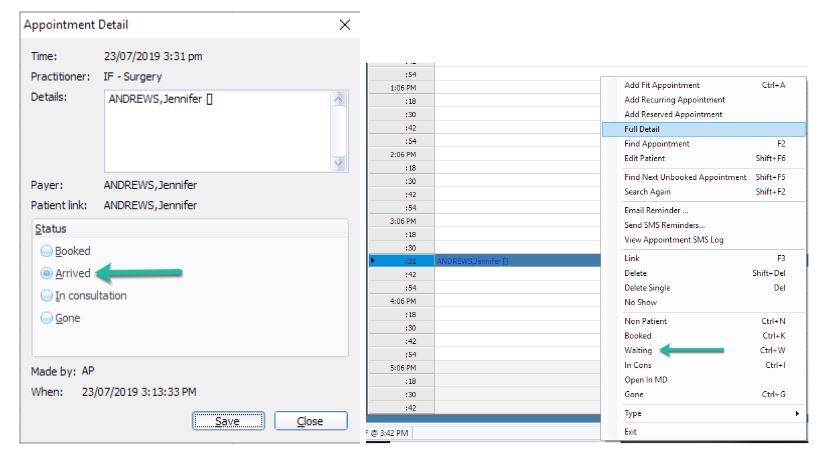
Step 1
Mark the patient as Arrived or Waiting in your PMS
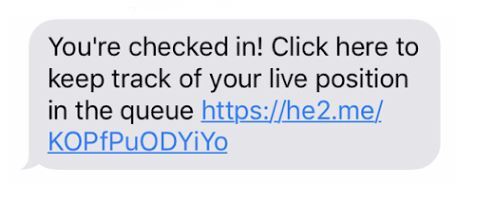
Step 2
Once marked as arrived, the patient will receive an SMS
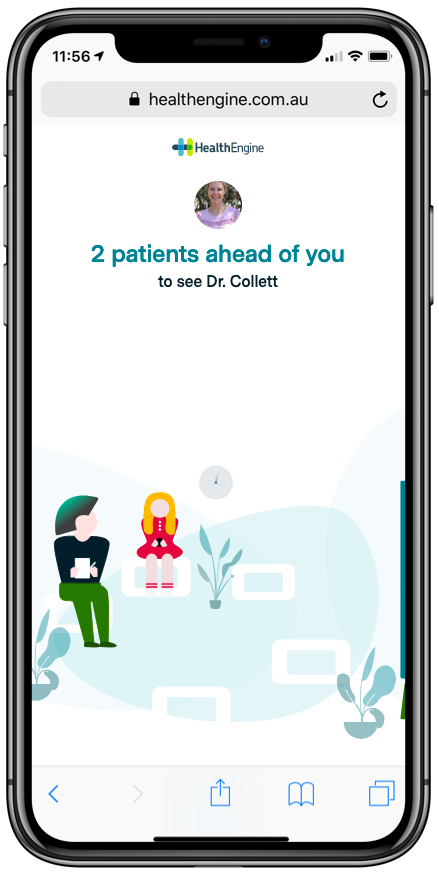
Step 3
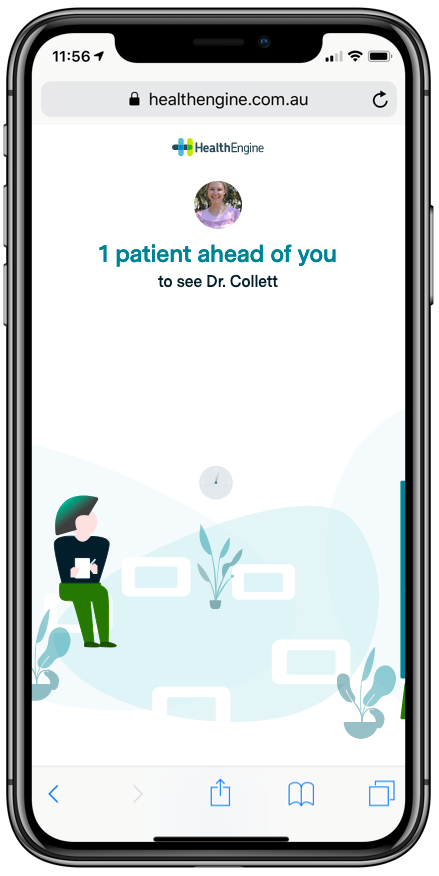
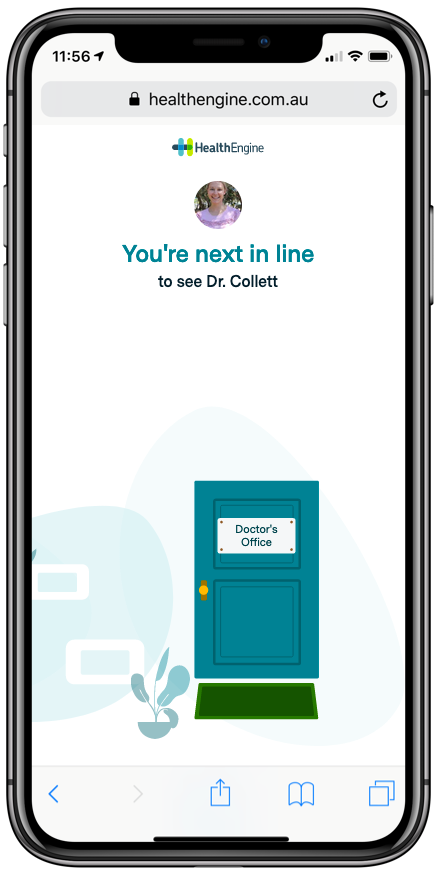
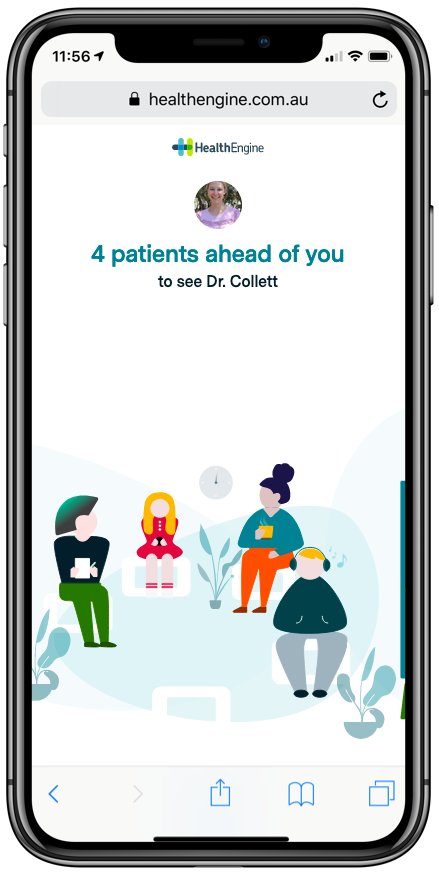
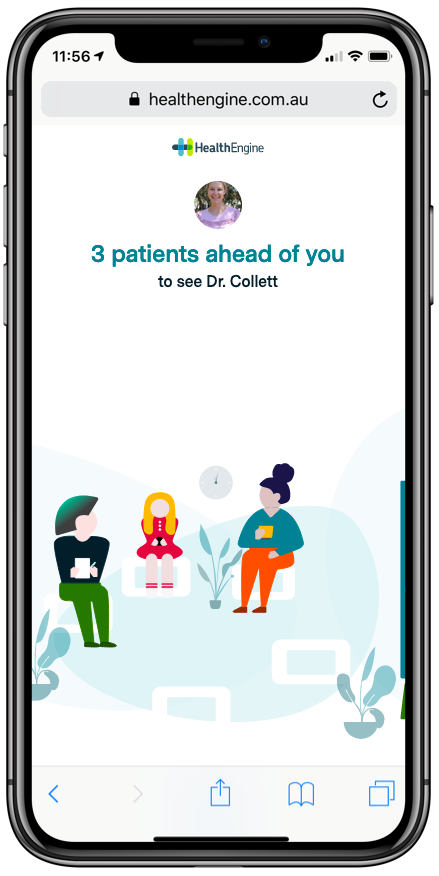
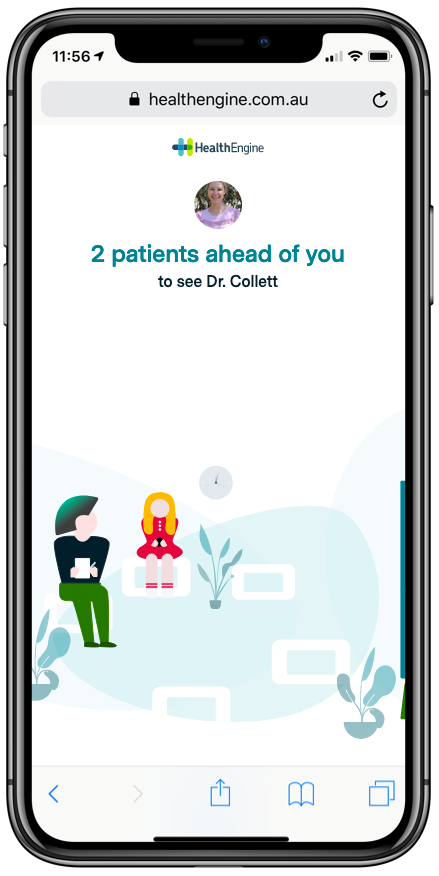
The SMS will have a link to a ‘digital waiting room’. The patient first verifies their identity, then they can see their place in the queue for their doctor.
The queue will update as patients ahead of them are marked as Gone, Invoiced or Billing
If the patient has the Healthengine app, they’ll be able to see their place in the queue within the app.
Queue Screenshots
Tables can't be imported directly. Please insert an image of your table which can be found here.
Queue position 6
1 patient in the consult
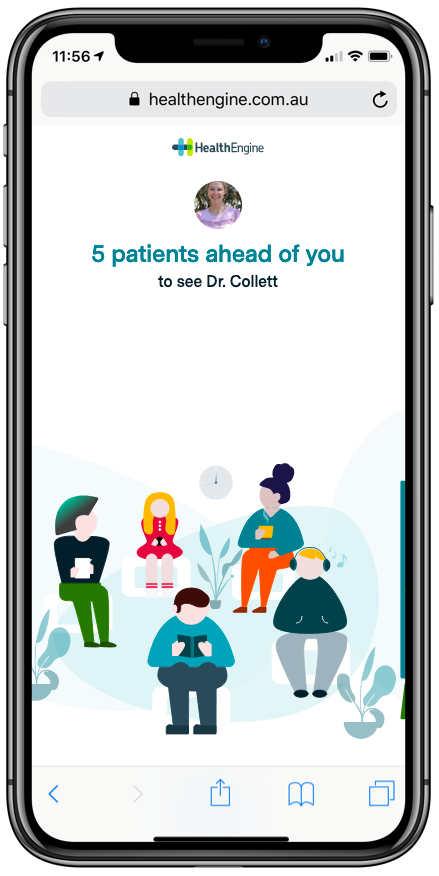
5 patients in the waiting room ahead of you
Queue position 5
1 patient in the consult
4 patients in the waiting room ahead of you
Queue position 4
1 patient in the consult
3 patients in the waiting room ahead of you
Queue position 3
1 patient in the consult
2 patients in the waiting room ahead of you
Queue position 2
1 patient in the consult
1 patients in the waiting room ahead of you
Queue position 1
1 patient in the consult
0 patients in the waiting room ahead of you
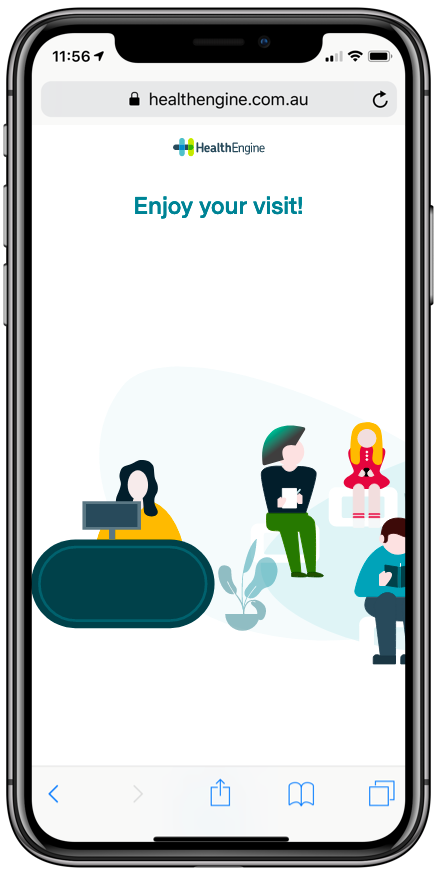
During the consult
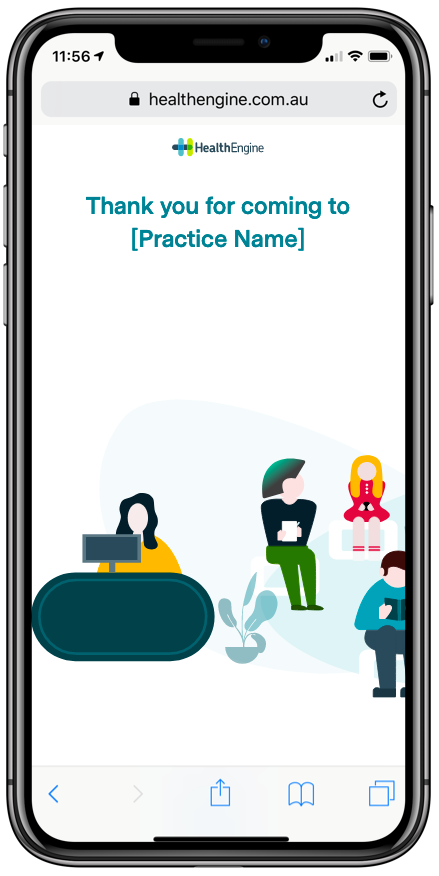
After the consult is completed