Vertical: GP and Specialist
PMS Eligible: BP and Pracsoft
What is Healthengine Express Care? Healthengine Express Care is an online health service request tool that allows patients of eligible GP and Specialist practices (using BP or Pracsoft) to request a medical certificate, repeat script, or repeat referral — without needing an in-person appointment.
Patients can access the Express Care request form in two ways: directly from your Healthengine profile, or via a link on your practice website.
From your Healthengine Profile
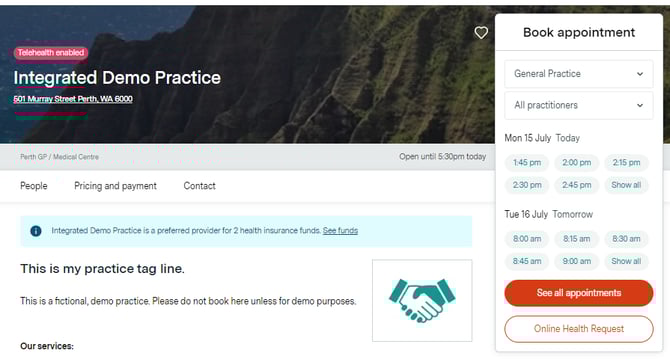
When your practice activates and onboards to Healthengine's Express Care product, a button is automatically created and placed on your practice profile under "Online Health Request"
The patient clicks the button to begin their request.
From your Practice Website
Healthengine supports practices in adding a link to the Online Health Service request form on their website.

To set this up, refer to this article.
The Express Care Request Form
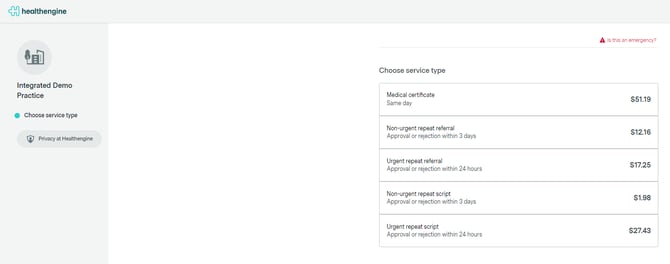
Once a patient has clicked the "Online Health Service Requests" button, they are presented options for services depending on what your practice has configured.
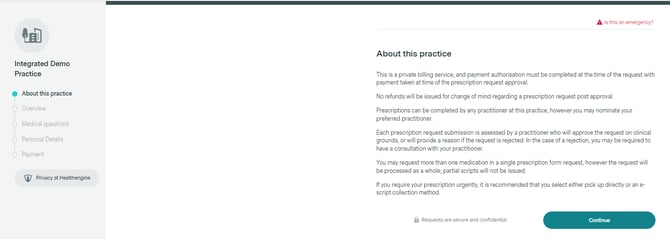
Clicking any of these options then shows the patient the practice's policy around that service type. You can use the provided template from within the Preferences page of relevant product preferences page in Practice Admin, or you can create your own.
Patients are then presented with the relevant product information page, which shows the patient the price of the service. This is also configurable in the Preferences section of Practice Admin, and can be different depending on the urgency. Patients are also told the relevant expiry time frame and cost for their request.
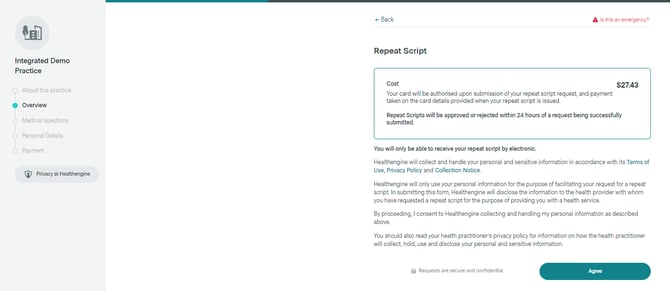
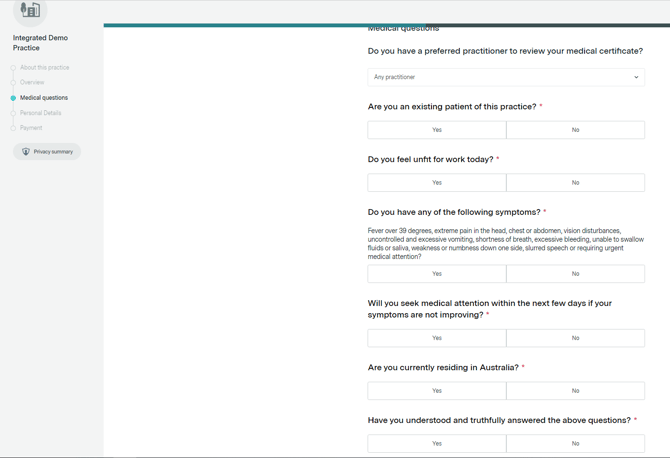
The patient is then shown the questionnaire page that has the relevant questions for the service, and the answers the patient selects are recorded against their request for the approving practitioner to see. Patients can choose if there is a specific practitioner they want to see, or if they don't have a preference they can select "Any Practitioner".
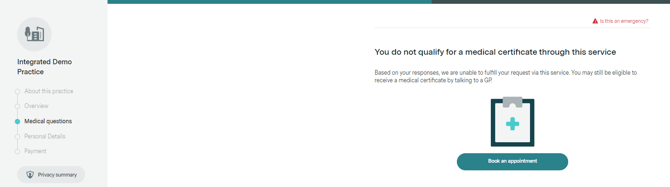
If a patient selects an answer which deems them unsuitable for an Express Care request from the online form, they are presented with a rejection page, and are told to book an appointment with your practice instead.
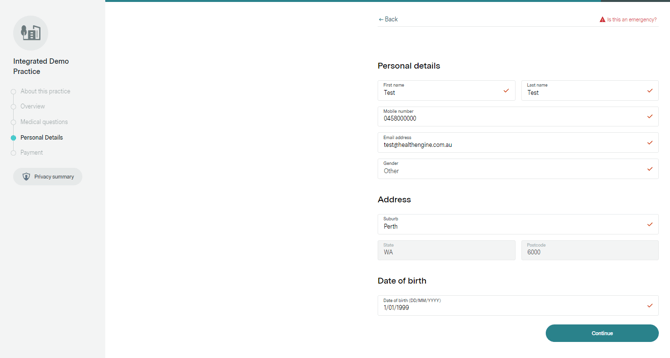
If deemed eligible, patients are then asked to fill in their personal and contact details.
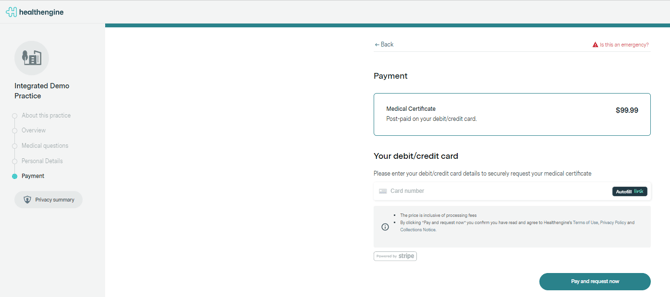
Once their details are complete, patients enter their payment information. Payment details are collected upfront and held securely against the request.
- If rejected: The patient is not charged and their payment details are deleted.
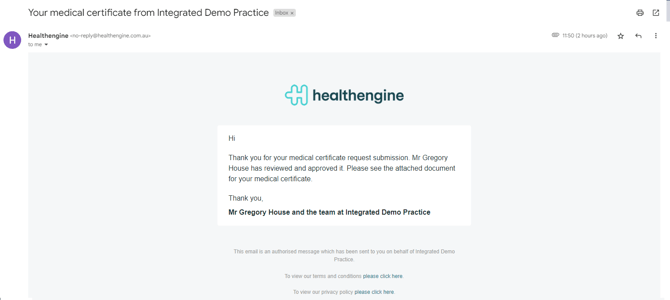
- If approved (medical certificate): The patient is charged and receives their medical certificate PDF via email.
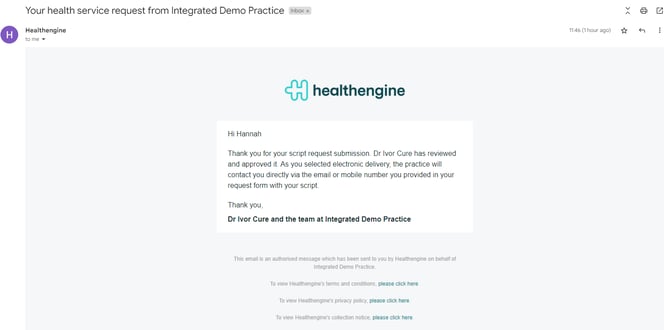
- If approved (script or referral): The patient receives a confirmation email detailing how the practice will contact them.
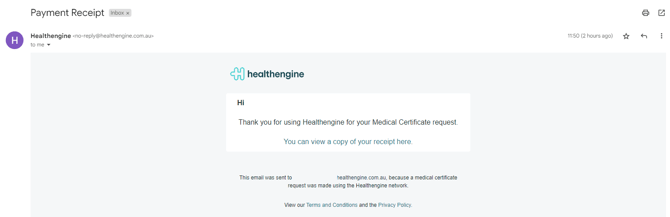
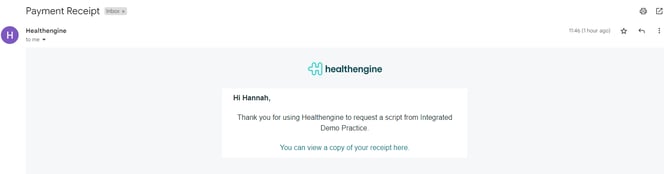
A payment receipt is sent separately in all approved cases.
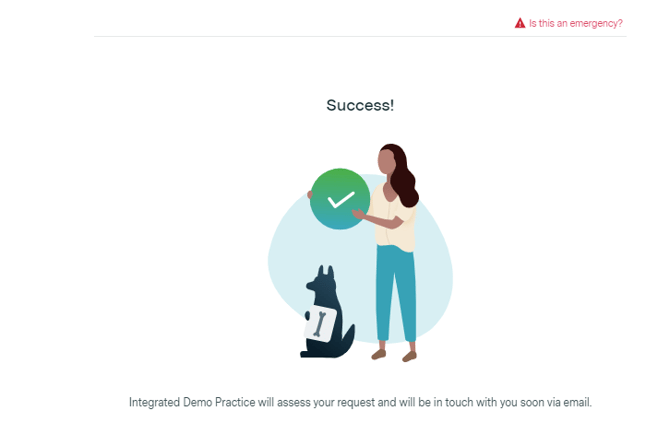
If successful, the patient sees a success page.
Approved Medical Certificate
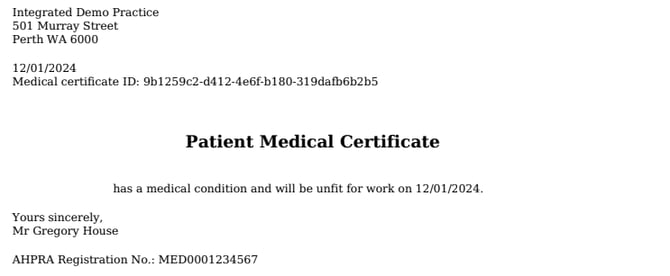
If a patient has their Online Medical Certificate approved, they will receive two emails; their medical certificate PDF in one email, and their receipt for the payment in the other.
The Medical Certificate contains both your practice and the approving practitioner details, as well as a Medical Certificate ID in case you need to refer to the ID later.
Approved Script or Referral
If a patient has their script or referral approved, they will receive two emails; their confirmation in one email detailing how the practice will contact them, and their receipt for the payment in the other.
Rejected Request
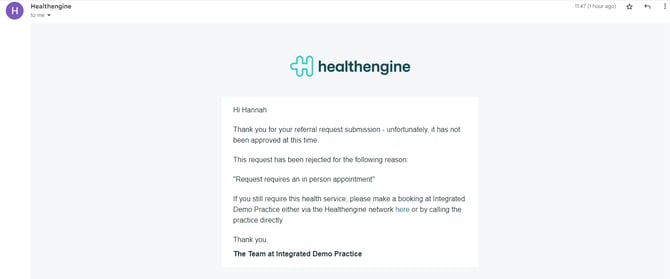
If a patient's request is not fulfilled, they receive a rejection email explaining why their request was denied, along with a prompt to book an appointment with your practice.