
Vertical: All Vertical
PMS Eligible: All PMS
What is Practice Admin?
Welcome to Practice Admin, your one-stop spot for all things creating and managing your online bookings!
During your onboarding process, you would have received an email invitation with a link to create a login for your account - if you're unable to locate this email, be sure to check your junk mail. If this link hasn't been accessed within 24 hours, you will need to reset your password.
Logging In
If you are logging in on a new computer, you can access this login page via https://healthengine.com.au/appointment/admin/, or you can log in via our Healthengine Homepage at https://healthengine.com.au/ and click the option displayed below:
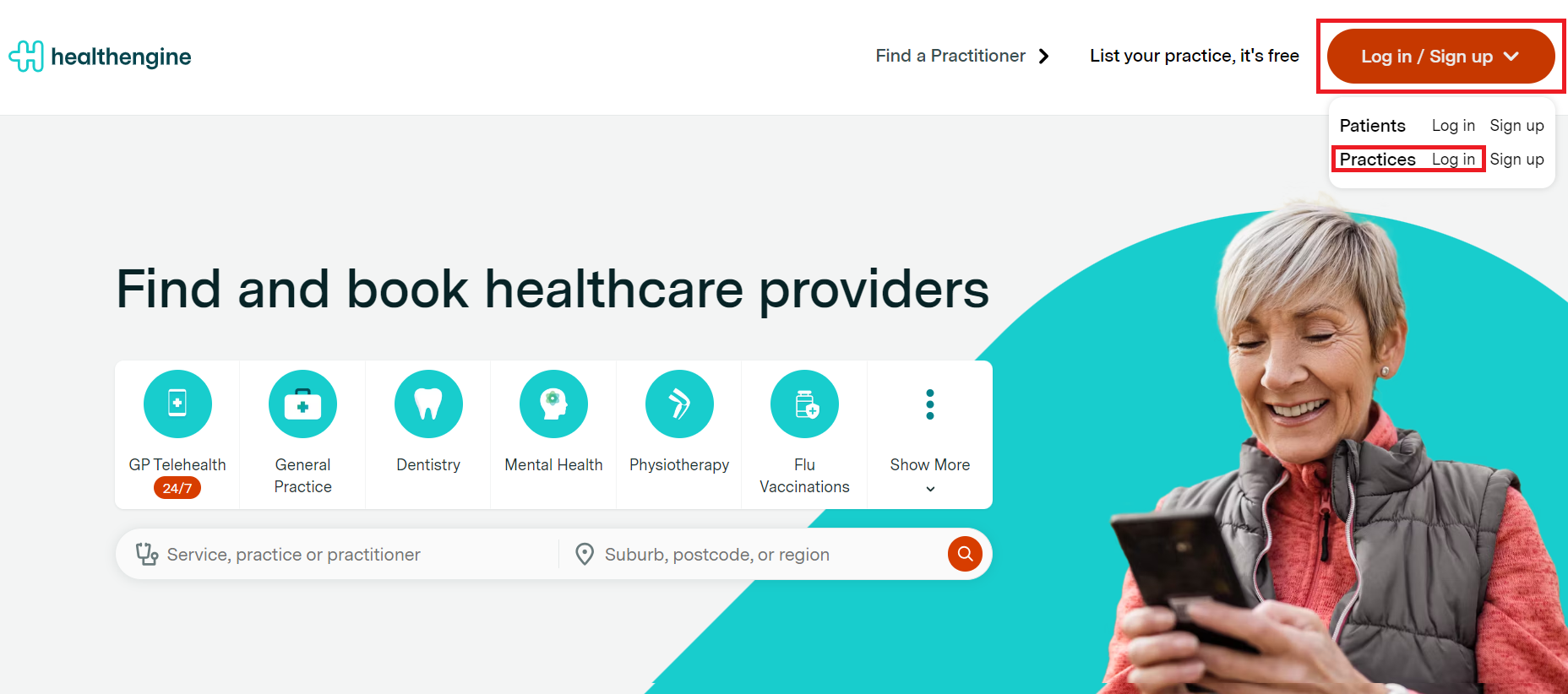
Please keep in mind, we have two separate login portals - one for patients and one for practices. If you are experiencing difficulty logging into your Practice Admin, double-check to make sure you're using the practice login portal.
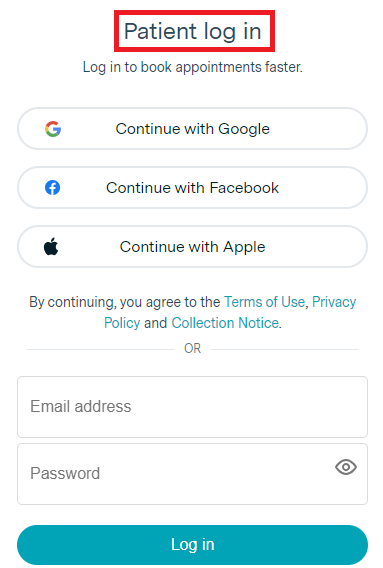
IMPORTANT: Please note that if you try to log in to your Practice Admin Portal from overseas, you may experience issues logging in.
In this case, please reach out to support@healthengine.com.au
How to Reset Your Password
To reset your Practice Admin password, navigate to https://healthengine.com.au/appointment/admin/ and click the 'Forgot your password?' link as seen below:
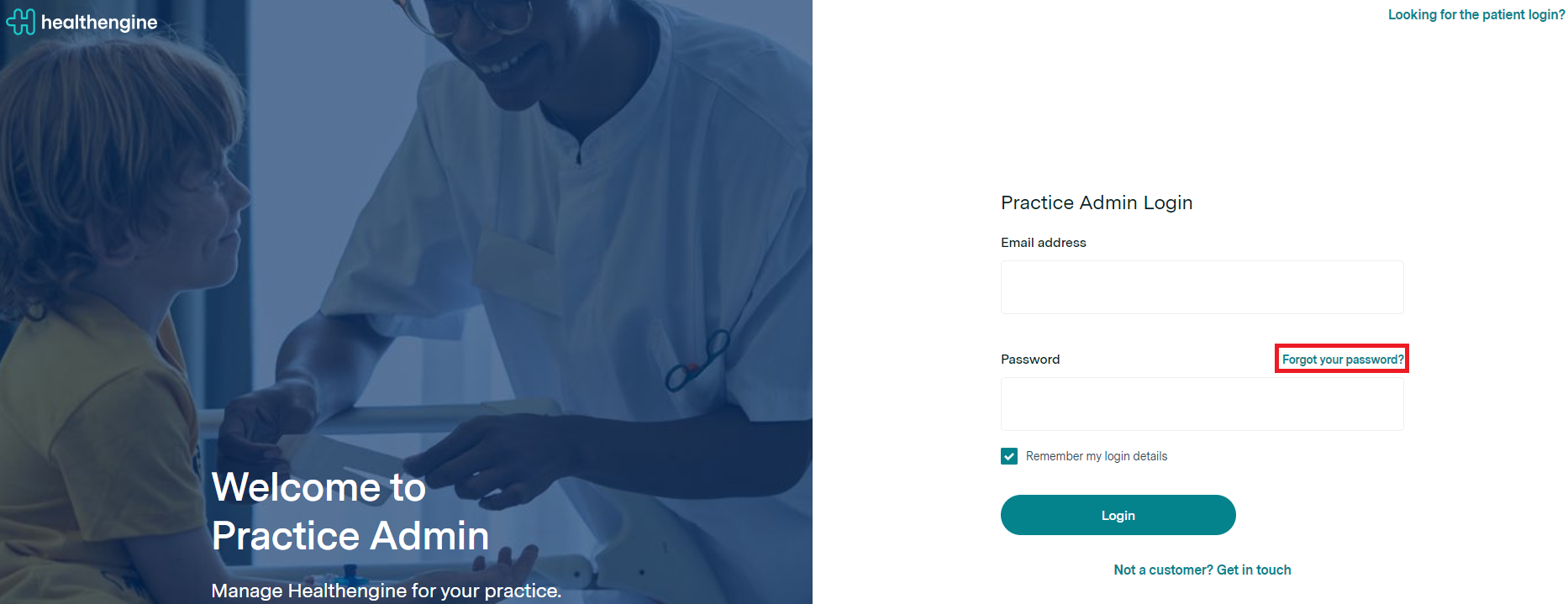
This will open a new page where you will be required to enter your email address and have a new password reset link sent to you.
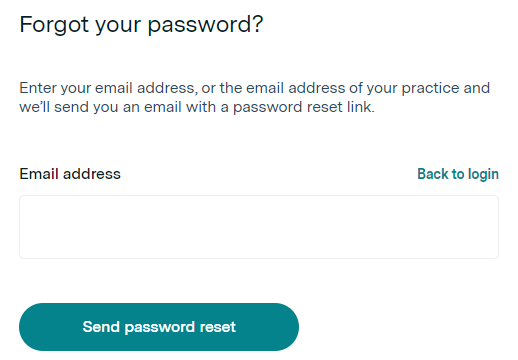
Follow the prompts in this email to gain access to your Practice Admin! Once you are logged in, we recommend bookmarking this page on your web browser for future easy access.
Multi-Factor Authentication
Multi-factor authentication (MFA) is a way of verifying users that requires more than one step to complete. Users can’t log in with just their username and password: an additional “factor” is required, such as a code sent via SMS or obtained from an Authenticator app. This ensures users are strongly authenticated and prevents unauthorised access even if someone has obtained your username and password.
Logging in with MFA
- Log in to Practice Admin as usual.
- You will be prompted to complete multi-factor authentication.
- If this is your first time logging in, you will receive a verification code via email.
- Copy the code from the email and paste it into the authenticator.
-
For enhanced security, you will have the option to set up additional authentication methods after your first login.
Please note: You are not required to complete this every day.
Important: If you are using a forward rule from an old email to a new email, the MFA code will not be sent out to the new email.
Please add the new email as a login prior to the change of email.
Contact support@healthengine.com.au to confirm the changes of email.
Trouble Logging In?
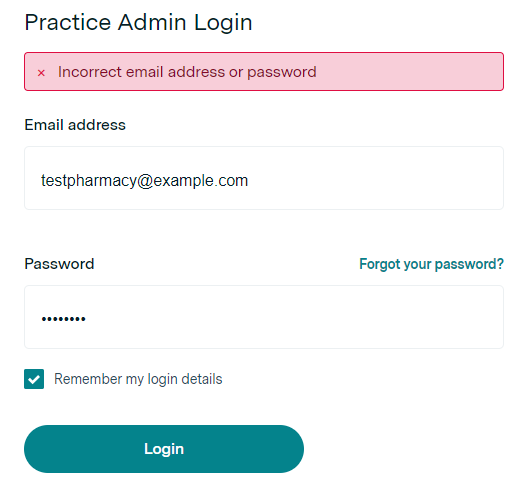
Keep in mind the following when logging into your Practice Admin:
- No spaces before or after your email address.
- Have a password that is at least 12 characters long.
- Check your caps lock.
Login Instructions for Single Sign-On Users
If your business uses a Single Sign On provider (E.g. Okta) and your Healthengine account has been linked, then you will need to log in to your Practice Admin Portal via that program.