
Vertical: General Practice, Dental, Allied, Specialist
PMS Eligible: N/A
Let your patients know they can easily add themselves to your Waitlist! Download these assets to use on your social media pages and TV monitors in your practice.
Simply right-click the images below to download and start using.
After a poster to hang in your practice? We've now added a downloadable poster to your Practice Admin that creates a unique QR code URL to your practice. Find this under Resources > Promotional Material > Posters.
Social Media Post Image
TV screen
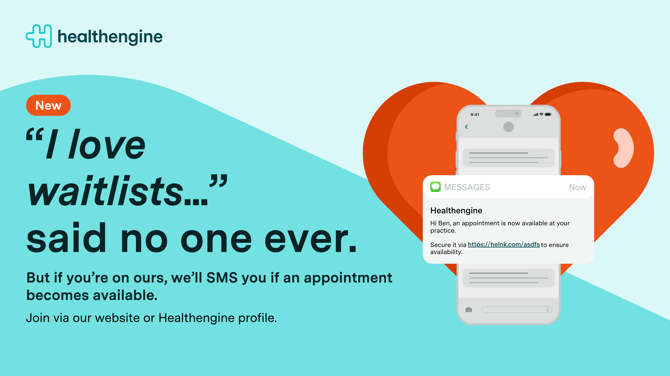
- Waitlists_social_ post.png (60 KB)
- Waitlists TV Screen.png (300 KB)