
Vertical: General Practice, Dental, Pharmacy, Allied, Specialist
PMS Eligible: N/A
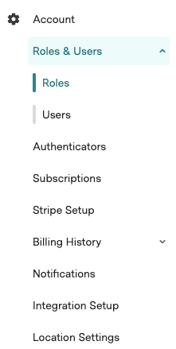
Your 'Account' section in Practice Admin gives your practice the ability to manage your logins, notifications and various other options! Under the 'Account' menu in Practice Admin, you'll find these options listed as seen in the image below:
Account
Roles & Users
'Roles & Users' is where you manage who can log in to Practice Admin and what each person can do. It has two pages:
-
Roles — a role is a set of permissions you create once and then assign to staff. Instead of setting permissions person by person, you can build a role such as Receptionist or Practice Manager, and every user assigned to it gets the same access. Updating the role updates everyone on it.
-
Users — add and remove logins for your staff, assign each person a role, and reset passwords at any time. Our Adding and Editing Logins for Practice Admin article will explain how to do this.
Your practice will have a System Administrator role with full access. Keep at least one person on it, because that role is what lets you create and change other roles.
Authenticators
In this page, you can configure or edit your extra step authenticator to keep access to your Practice Admin Portal safer.
Here is a guide: Multi-Factor Authentication ( MFA )
Subscriptions
The 'Subscriptions' section in Settings gives you a quick overview of the subscriptions and features you currently have active on your Healthengine account. From here, you can also select to change your tier and read our Help Centre article: Manage Your Subscription Products
Stripe Setup
If your practice collects payments through Healthengine, 'Stripe Setup' is where you connect and manage the Stripe account those payments are paid into. You can see whether your practice account is connected, and set up individual practitioners to receive payments into their own account rather than the practice's. Note that Healthengine payments require a Stripe account registered through Practice Admin; an existing Stripe account cannot be reused, although you can use the same bank details. For the full walkthrough, see our Help Centre article, Setting up Payments with Stripe.
Billing History
'Billing History' expands into two pages. Invoice history gives you a complete breakdown of all your past billing information, as well as your billing anniversary and the date of your next invoice. Booking history is where you rectify bookings (eg. if a patient has marked themselves as new when in fact they are existing) to avoid being wrongfully billed. To find out more about this, check out our Help Centre article, Your Invoice Explained.
Notifications
On the 'Notifications' page, you can manage which notification types you receive from Healthengine and to which email address/addresses they get sent. You can read more about this in our Help Centre article, Notifications in Practice Admin.
Integration Setup
On this page, you will be able to see (if you have one) the current status of your integration. Information included is the name of the software, version and status of the integration.
Location Settings
Here you will be able to select your location for products such as booking notification etc.
Resources
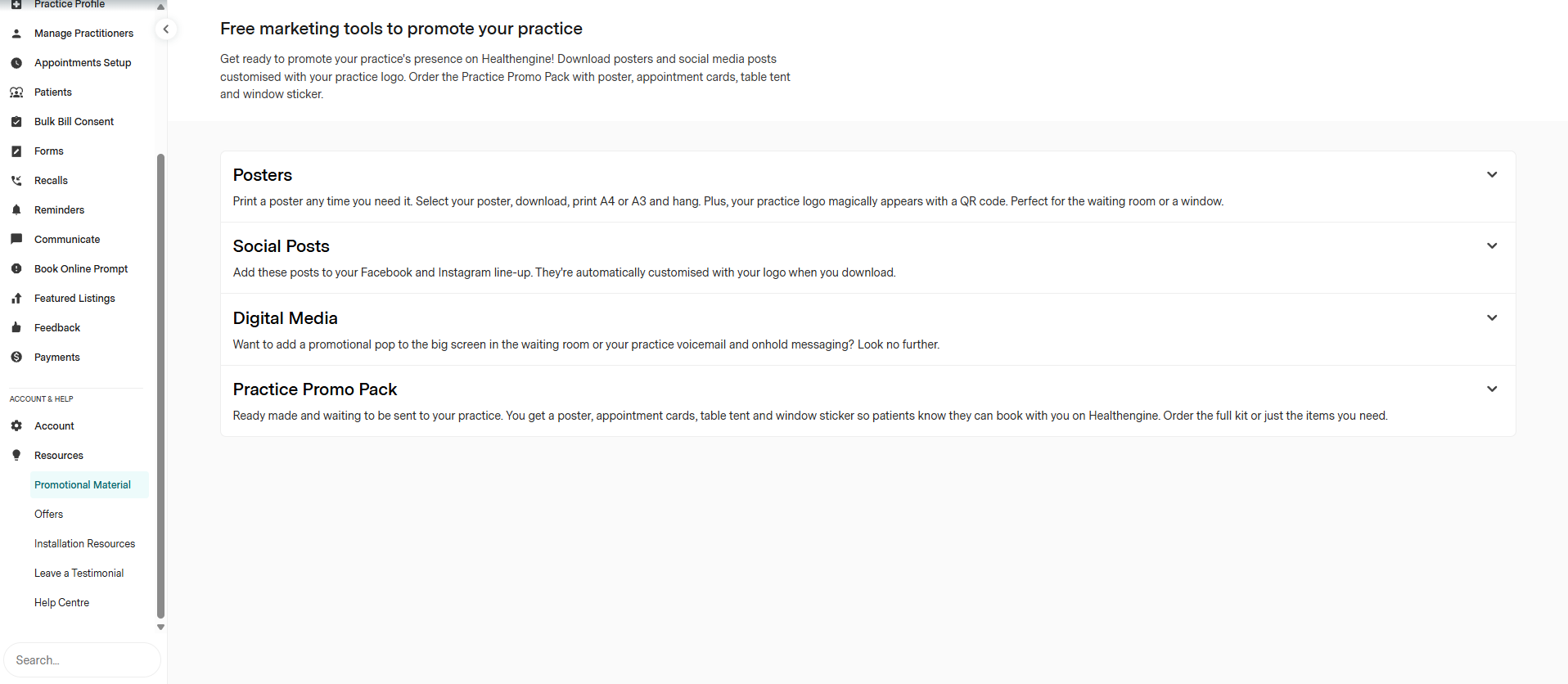
Promotional material
You will find resources you can download to help promote your online bookings. There is also a link to complete a form and submit a request for a promotional pack to be sent to you in the post.
You can navigate back to that page at any time if you wish to request additional promotional material.
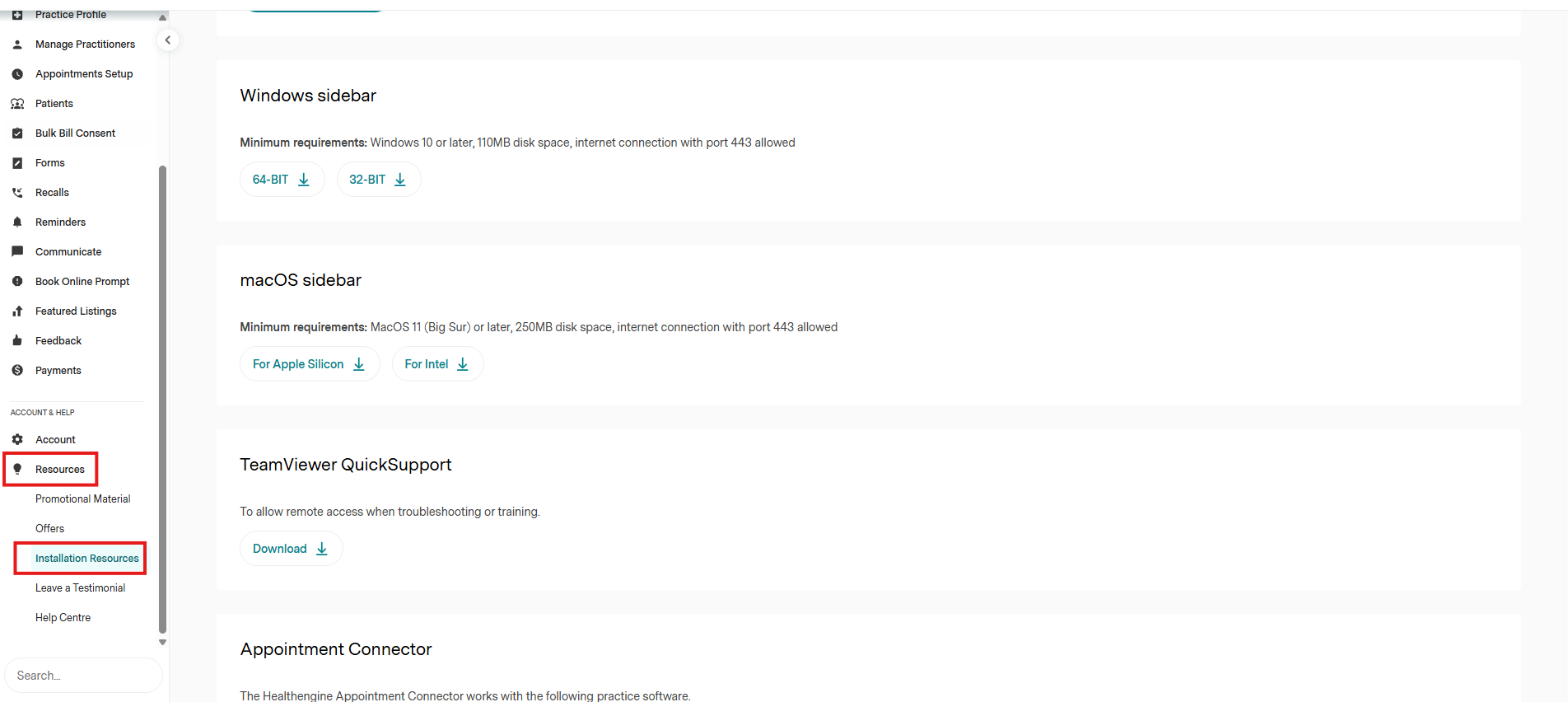
Installation resources
Important: not available for Pharmacies/Pams
This section provides download links for our sidebar, TeamViewer Quicksupport and the appointment connector.
Below that, there is also a link to our Help Centre, and a link to offers that may be currently available from our partners.
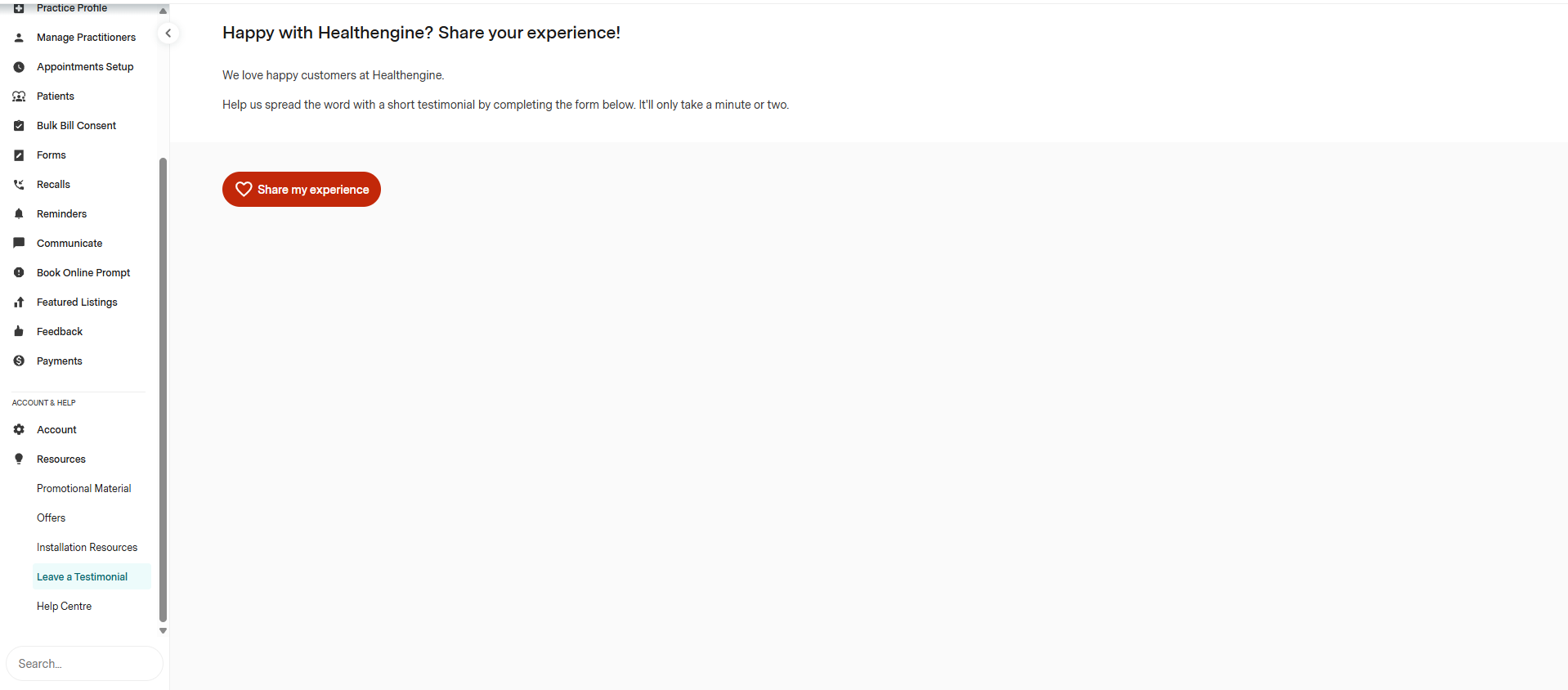
Leave a testimonial
We love happy customers at Healthengine.
Help us spread the word with a short testimonial by completing the form below. It'll only take a minute or two.
Below that, there is also a link to our Help Centre, and a link to offers that may be currently available from our partners.