
Vertical: GP
PMS Eligible: BP, Pracsoft, Zedmed, Helix
This article explains our Reminders () feature. You can scroll down to read each section sequentially or use your browser's Find function to jump to a specific topic.
What are Reminders?
Healthengine Reminders help reduce missed appointments by automatically sending SMS, email, or in-app notification reminders to your patients.
Please Note: Reminders do not read from the SMS consent settings in your Practice Management Software; however, appointment reminders are not deemed to be marketing communications.
How will Reminders help my practice and patients?
With Reminders, your practice will:
- Save money with unlimited, free reminders
- Reduce costly Did Not Attend (DNAs)
- Ensure more patients arrive on-time
- Free up your front desk to focus on patients who are already at the practice
- Reduce frustration for patients who would've forgotten their appointment.
How do Reminders work?
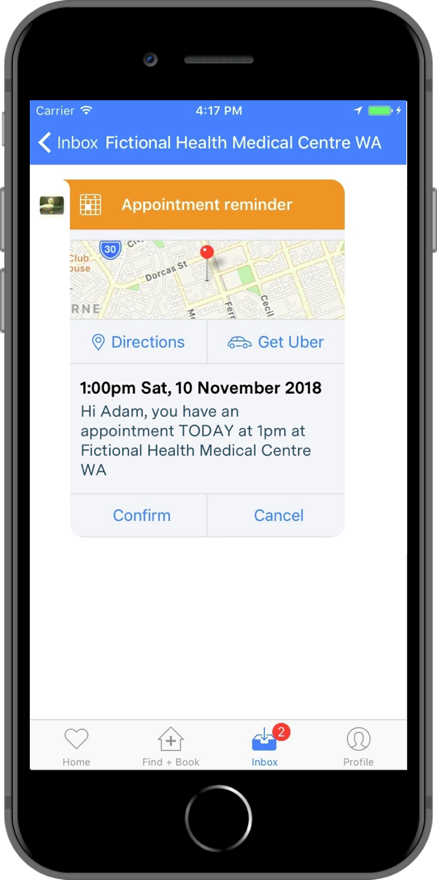
Reminders work by automatically contacting your patients via SMS, email, or in-app notification through the Healthengine app at a scheduled time before their appointment. Note: in-app notifications are currently available on iOS only — please check with Healthengine support for the latest platform availability.
Patients can click to confirm their appointment and are prompted to call your practice if they need to cancel their appointment. All of your patients' reminder-related actions are displayed in your Reminders dashboard in Practice Admin, so you're always kept informed.
The reminders are sent to ALL of your patients, regardless of how they booked, provided they have a mobile number or email address in your practice management system.
Reminders are only available for practices using a supported Practice Management Software integrated with Healthengine. Please refer to your Practice Admin settings or contact the Healthengine support team for the current list of compatible systems.
Using Reminders
How do I activate Reminders?
Provided your practice has Practice Efficiency Suite Essentials, to activate your Reminders feature, navigate to Products and then select 'Reminders' in your Practice Admin Portal.
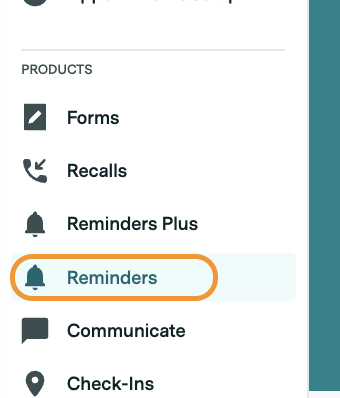
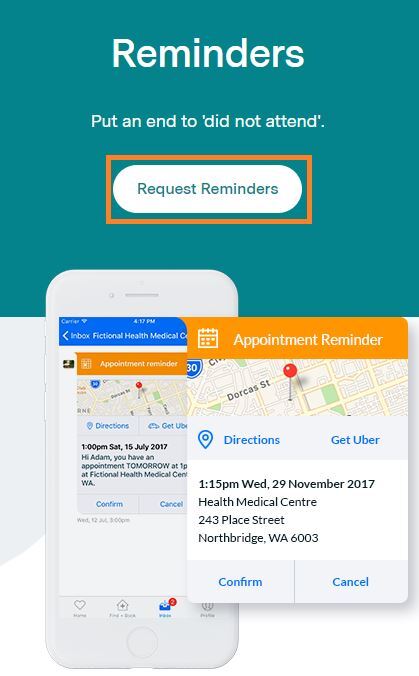
From here, select 'Request Reminders' as seen in the screenshot below and fill out the information for your Customer Success Manager to reach out and discuss this additional feature with you!
Once activated, select the 'Locations' (appointment book) that you would like Reminders to be sent for, and click 'Save'.
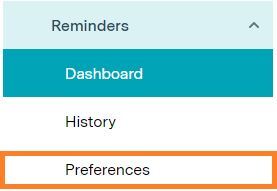
Finally, select the "Preferences" option under Reminders and choose the reminder time.
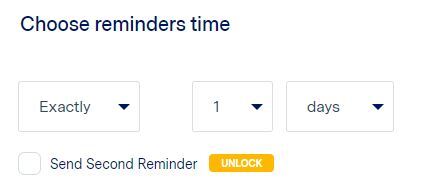
That's it! Reminders will now be sent for any future appointments booked.
Where can I see appointment confirmations?
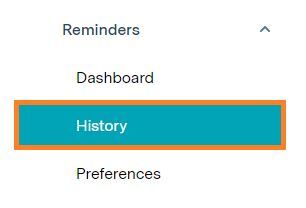
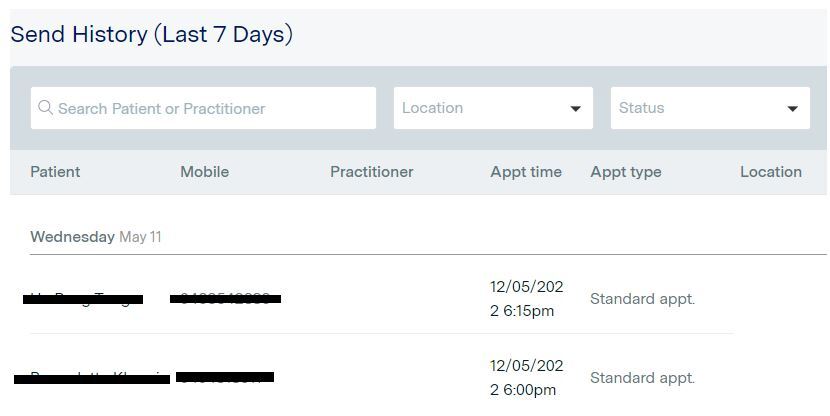
A record of recent reminders sent, and any patient responses to those reminders, can be found in your Reminders History in Practice Admin, under the Reminders tab.
What will my patients see?
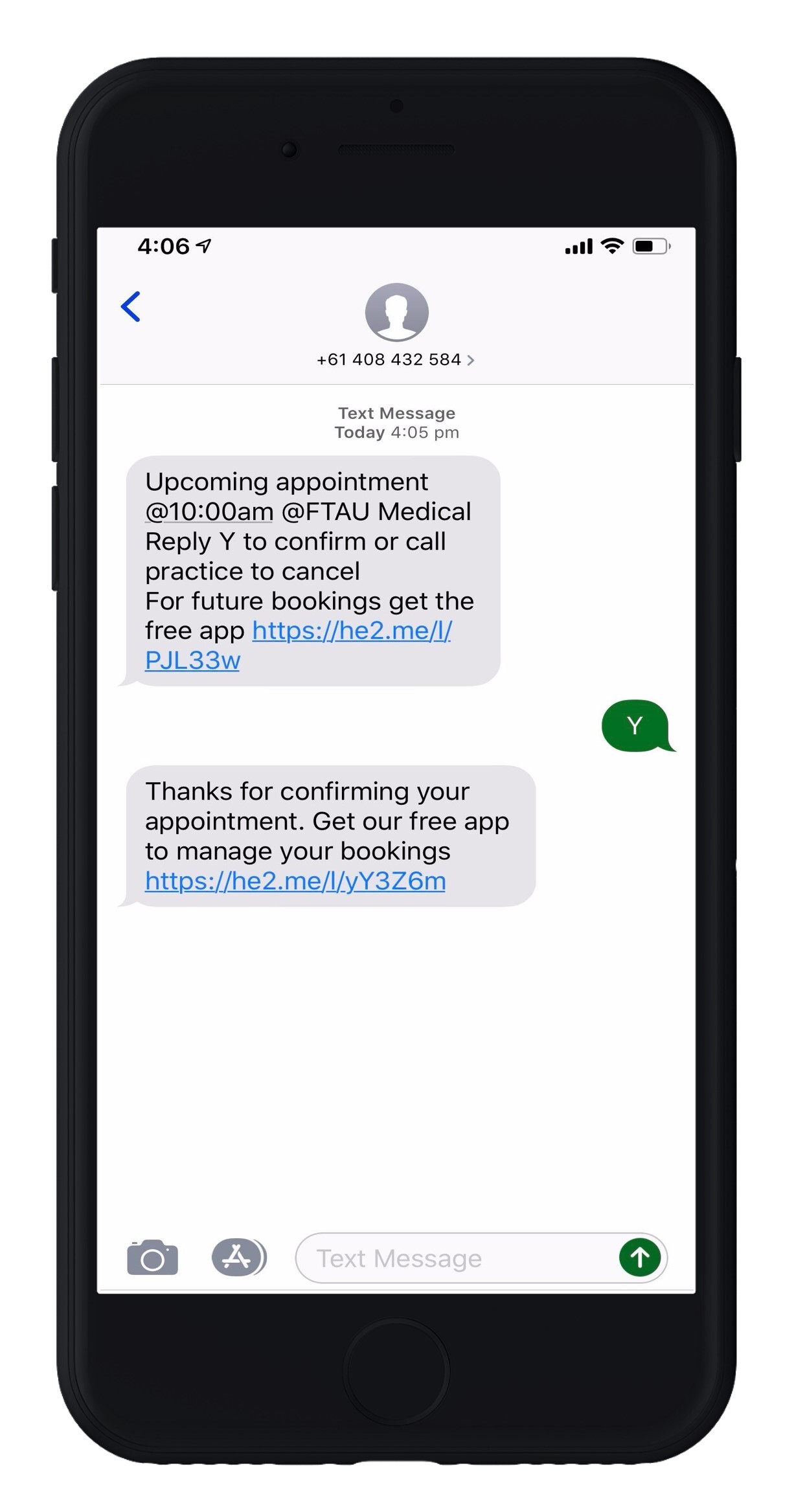
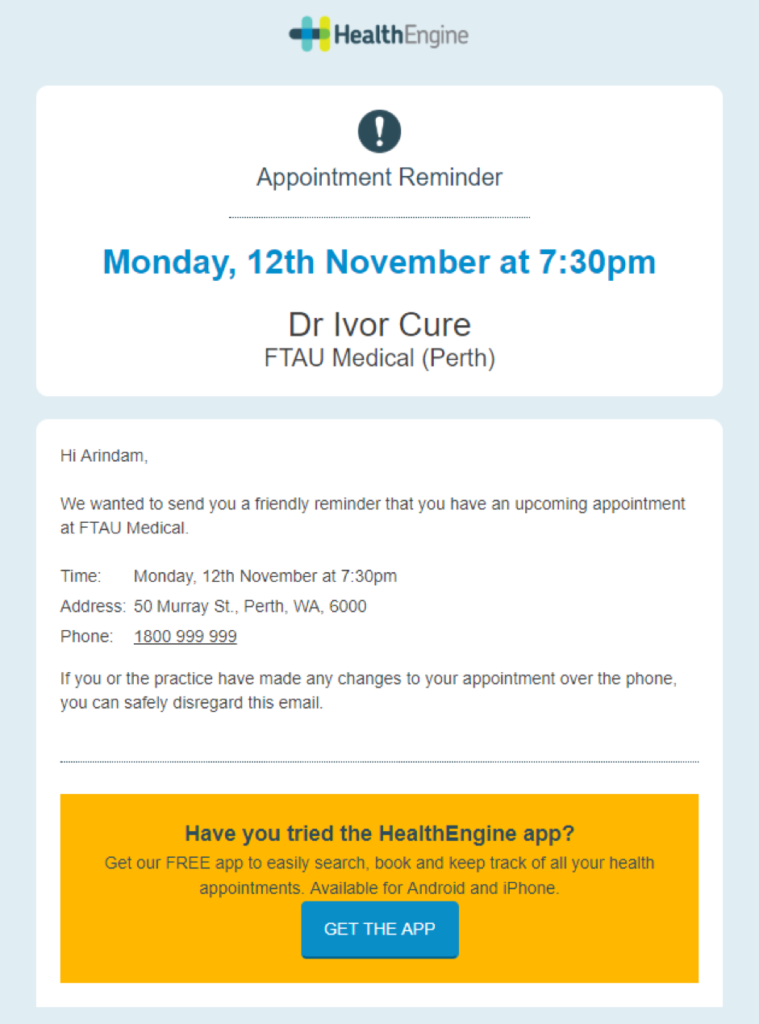
Each reminder displays your practice name, address, and the patient's appointment date and time. Patients can confirm their appointment directly from the reminder, and all responses are reflected in your Reminders dashboard in Practice Admin.
Patients are asked to call your practice should they need to cancel their appointment.
The reminder also includes a link to download the Healthengine app, to make it even easier for them to book their next appointment with your practice.
SMS:
Email:
In-App Notification:
Who sends the reminder SMS?
Healthengine sends the SMS reminders on your practice's behalf.
The reminders will be sent to all patients with an appointment, regardless of how they booked, ensuring all of your patients receive a reminder, not just those who booked online.
What options do my patients have?
Patients can choose to confirm their appointment directly from the reminder.
Reminders do not read from the SMS consent settings in your PMS; however, appointment reminders are not deemed to be marketing communications.
To have reminders that will read from your SMS consent settings and exclude selected patients, you can upgrade to Practice Efficiency Suite, which includes Reminders Plus.
What options do I have?
Multi-location groups and practices with multiple appointment books will be able to select which locations/appointment books to have reminders sent for and customise the send times via the Reminders 'Preferences' tab in Practice Admin.
A range of additional options to customise reminders is available with Reminders Plus, which is included in Practice Efficiency Suite.
What's the difference between Reminders and Reminders Plus?
For more customisation and control over your reminders, our full-featured Reminders Plus solution has exactly what you need, and comes included in Practice Efficiency Suite - Plus.
Reminders Plus comes with a range of additional features, including;
- Customise your reminder SMS messages.
- Add the option for patients to cancel and rebook their appointment via the reminder.
- Send multiple reminders per appointment.
- Send reminders only for selected appointment types or practitioners.
For more information, please contact your Customer Success Manager.
Security and Privacy
How do you get the contact details of my patients?
With your consent, Reminders will securely fetch the name, mobile number, email address, and appointment time of your patients through your Practice Management Software.
The reminders will be automatically sent to all of your patients, regardless of how they booked.
How does Healthengine access our appointment book?
Reminders utilises the already installed Appointment Connector software to identify upcoming appointments from your appointment book and send reminders to those patients. This is the same technology that allows Healthengine to display your available appointments online.
Will my patient data remain secure and private?
Healthengine's data security and privacy policies apply - the privacy and security of both your practice's and your patients' data is our priority.
We only fetch the mobile number, name, email address, and appointment time of your patients for the sole purpose of sending them your appointment reminder SMS. No other identifying information or medical information is sought in this process. All information is transmitted securely to Healthengine, and no information is ever passed on to a third party.