
Vertical: General Practice, Dental, Pharmacy, Allied, Specialist
PMS Eligible: N/A
If you've signed up with us, you should have already received a login invite email, which will give you access to your Practice Admin - a portal in which you can view your bookings and make changes to your Healthengine Practice Profile!
If you haven't received this email and its adjoining link to set a login password, follow the steps in our Help Centre article, How to Log into your Practice Admin or reach out to our Customer Support Team at onboarding@healthengine.com.au
IMPORTANT: If you already have a Practice Admin login with Healthengine for an already existing profile, your new location may have been added to this existing login email, in which case you won't receive another login invite.
If this is the case, simply log in with your existing Practice Admin login and select your new location using the drop-down in the top right-hand corner, select the name of the practice and a drop-down menu will appear for you to select the right location.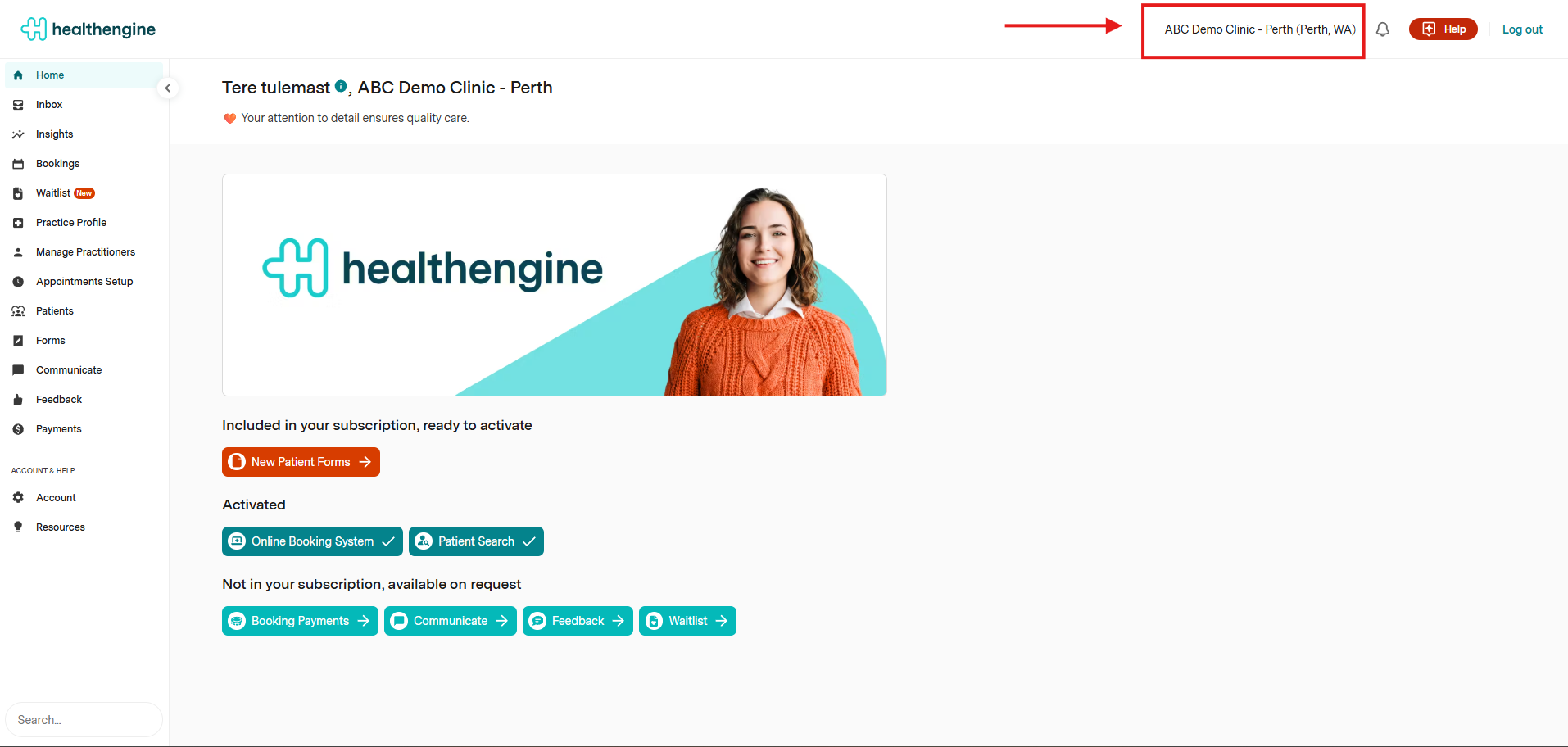
Completing your On-Boarding
Once you log in to your Practice Admin page, you'll see a home page with a series of cards displaying information that needs to be completed before you can book an installation call or start publishing appointments online. An example of your home page can be seen below:
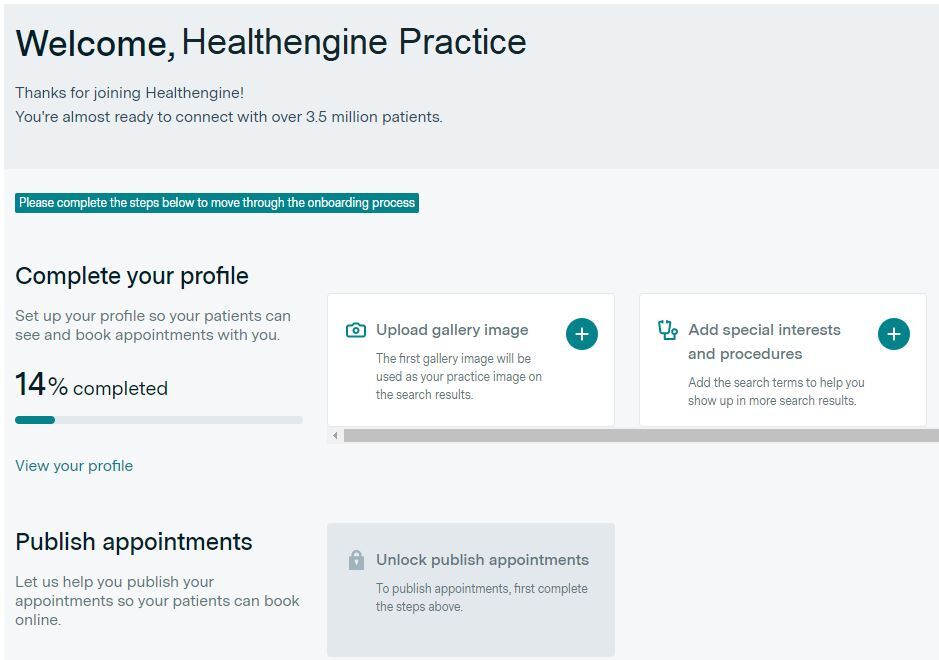
The percentage will increase as you complete the cards shown. Once this hits 100%, you'll unlock the 'Publish Appointments' card to go through to Healthengine's Sidebar/Calendar training option or have the ability to book an install call with one of our team members!
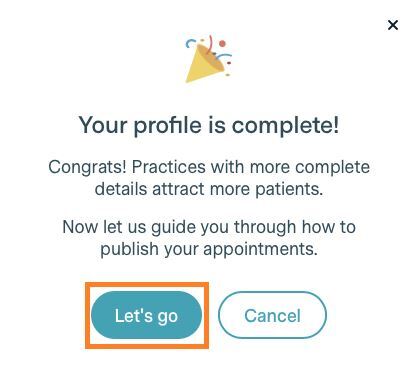
Please note: You will need to complete all the steps (cards) shown before you can proceed to publish appointments online.
When you're ready, click the 'Let's go' button, and you'll be asked a series of questions to determine whether you can start publishing appointments immediately using our Sidebar/Calendar function or if you use a Practice Management Software that integrates with Healthengine, so you can self-integrate or book an installation call.