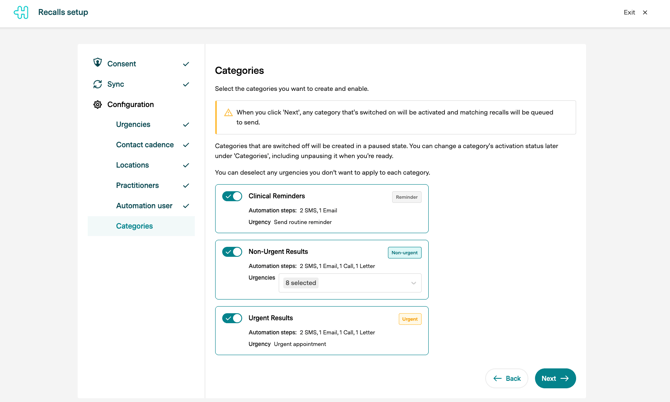
When Recalls is added to your subscription, a guided setup appears in Practice Admin and you complete it yourself. You no longer need to wait for Healthengine to configure it for you. Work through it at your own pace. You can leave and come back, and your progress is saved.
Before you start
It helps to have these decisions ready:
-
Which of your PMS urgencies are clinical reminders, non-urgent results and urgent results.
-
How long you want to wait before the first contact attempt, and how long between attempts.
-
Which locations should use Recalls, if you have more than one.
-
Which practitioners' appointment history should be checked.
-
Which PMS user account automated actions should be recorded against.
1. Sync your recalls
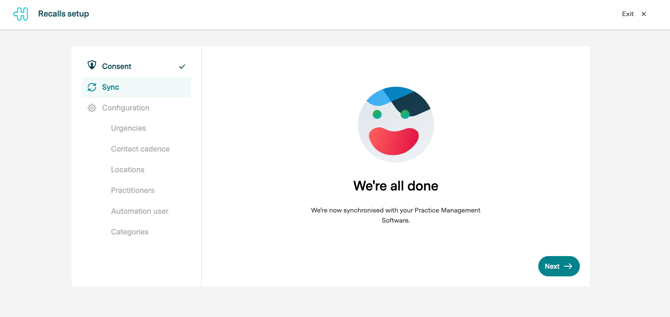
Healthengine reads the open recalls already sitting in your practice management software, so you are not starting from an empty list.
2. Map your urgencies
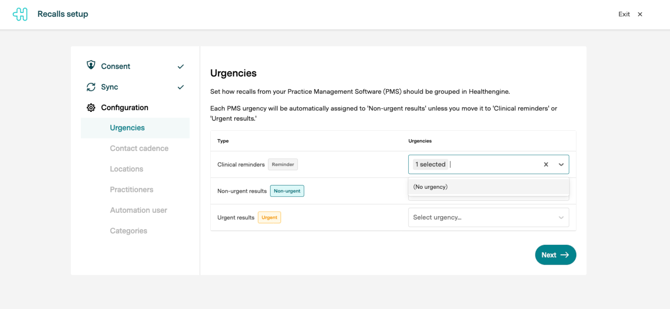
The urgencies used in your PMS are matched to the three Healthengine recall types: Clinical reminders, Non-urgent results and Urgent results.
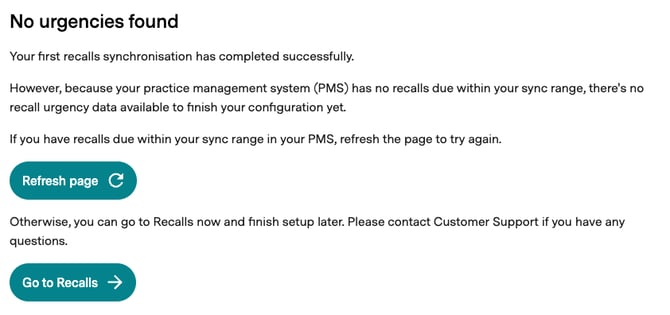
If your PMS has no recalls due within your sync range, you'll see a "No urgencies found" message instead. Your sync has still completed successfully; there's just no recall urgency data available yet to finish this step. From here you can either refresh the page to try the sync again, which is worth doing if you expect recalls to be there, or go to Recalls now and finish this step later. Skipping ahead is the right choice if you're a new practice that doesn't have any recalls yet; you can come back and complete it anytime.
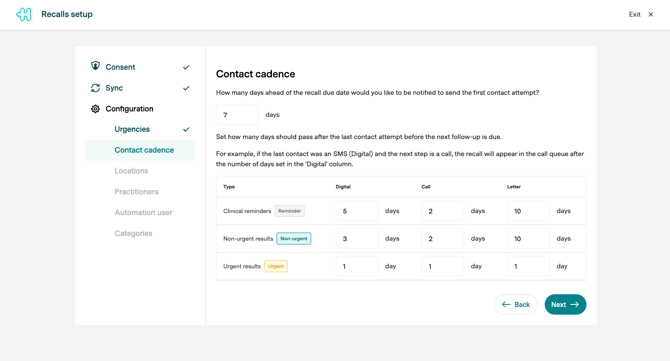
3. Set your contact cadence
Choose how long to wait before the first contact attempt, and how long between subsequent attempts.
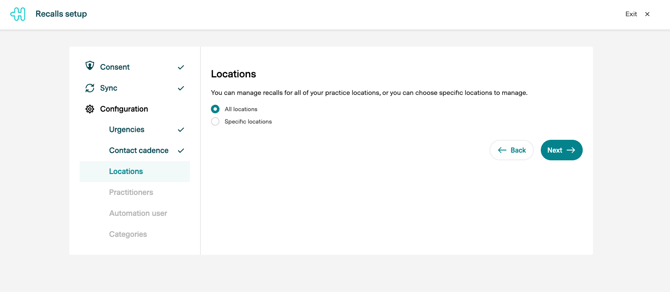
4. Choose your locations
If your practice has more than one location, select which ones use Recalls.
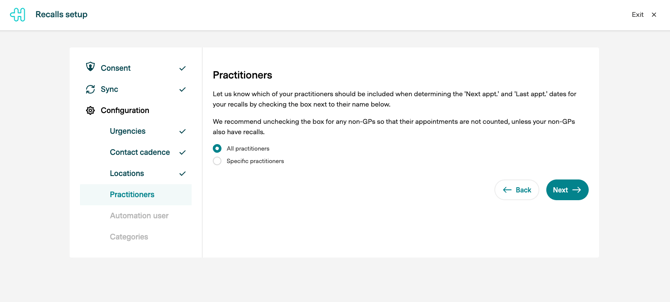
5. Select practitioners for appointment history
These are the practitioners whose bookings are checked when deciding whether a patient already has an upcoming appointment.
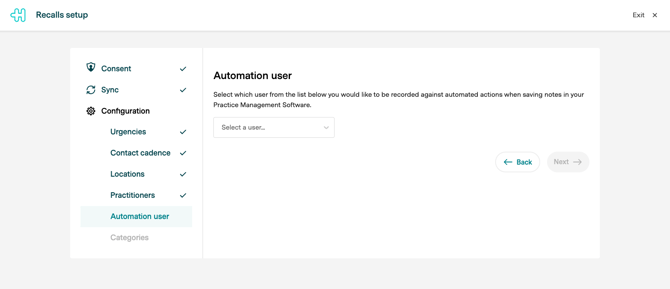
6. Nominate a PMS user for automated actions
Audit notes written back to your PMS for automated actions are recorded against this user. Automation will not run until this is set.
7. Review your default categories
Healthengine creates a starting set of categories based on your recall reasons and urgencies. Check they make sense for your practice.
8. Activate or pause categories
Turn on the categories you are ready to run, and leave the rest paused until you are. Paused categories stay untouched. Changing your setup later Everything you set here can be changed at any time from the Recalls Preferences and Categories pages.